Ultra‑light dictation for macOS — reimagined in a turbo‑dark, premium UI.
Fast capture, clean paste, minimal noise. Choose a recorder style that disappears until you need it — with crisp green accents and subtle gradients.
Credit where it’s due: VoiceInk by Beingpax is the foundation.
VocaType is a UI/UX fork (polish, consistency, colors) — not a replacement. Support upstream at tryvoiceink.com.
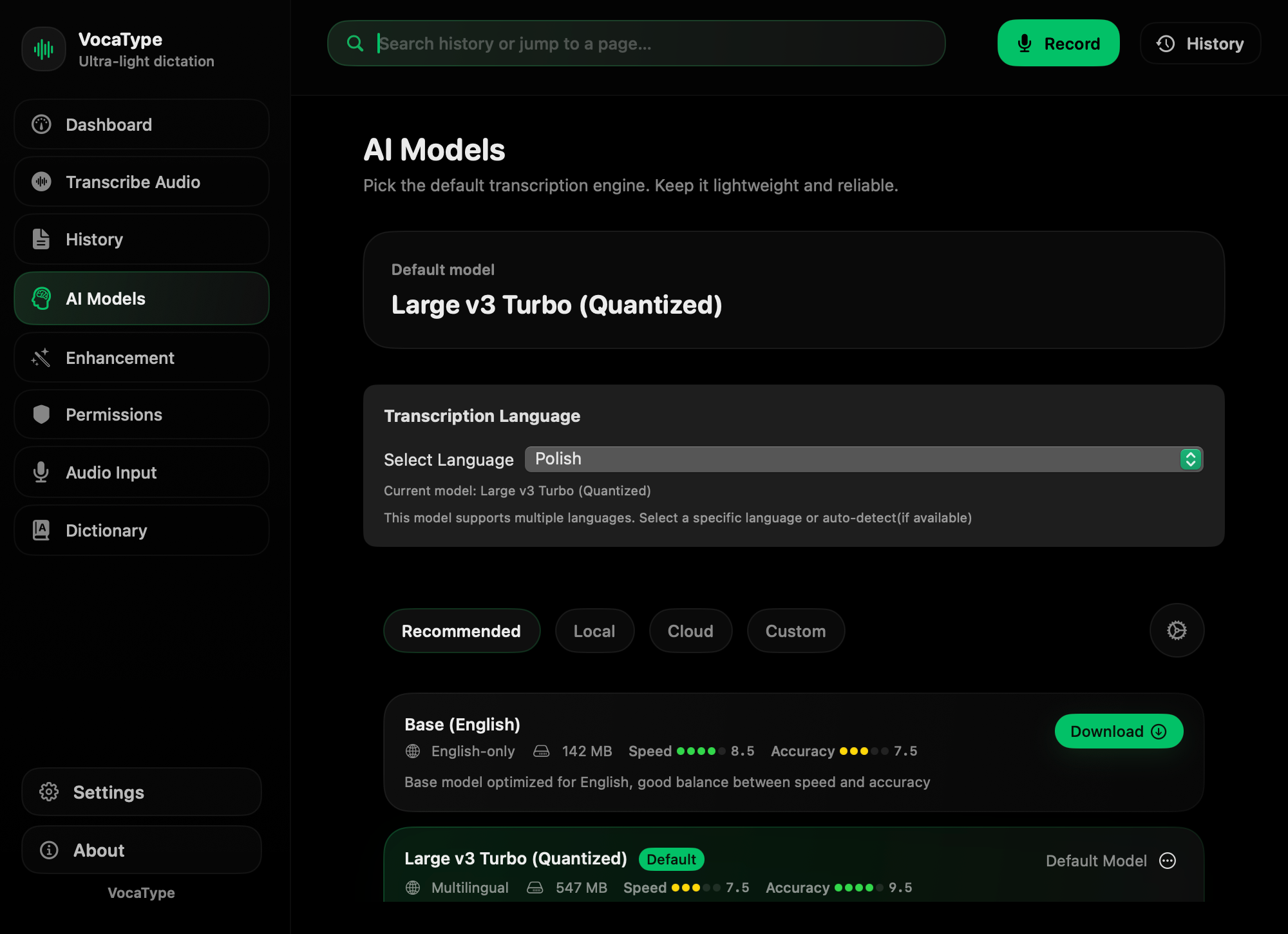
Local + cloud + custom models.
Dictate in the language you work in.
Notch / Mini / Glass / Ghost.
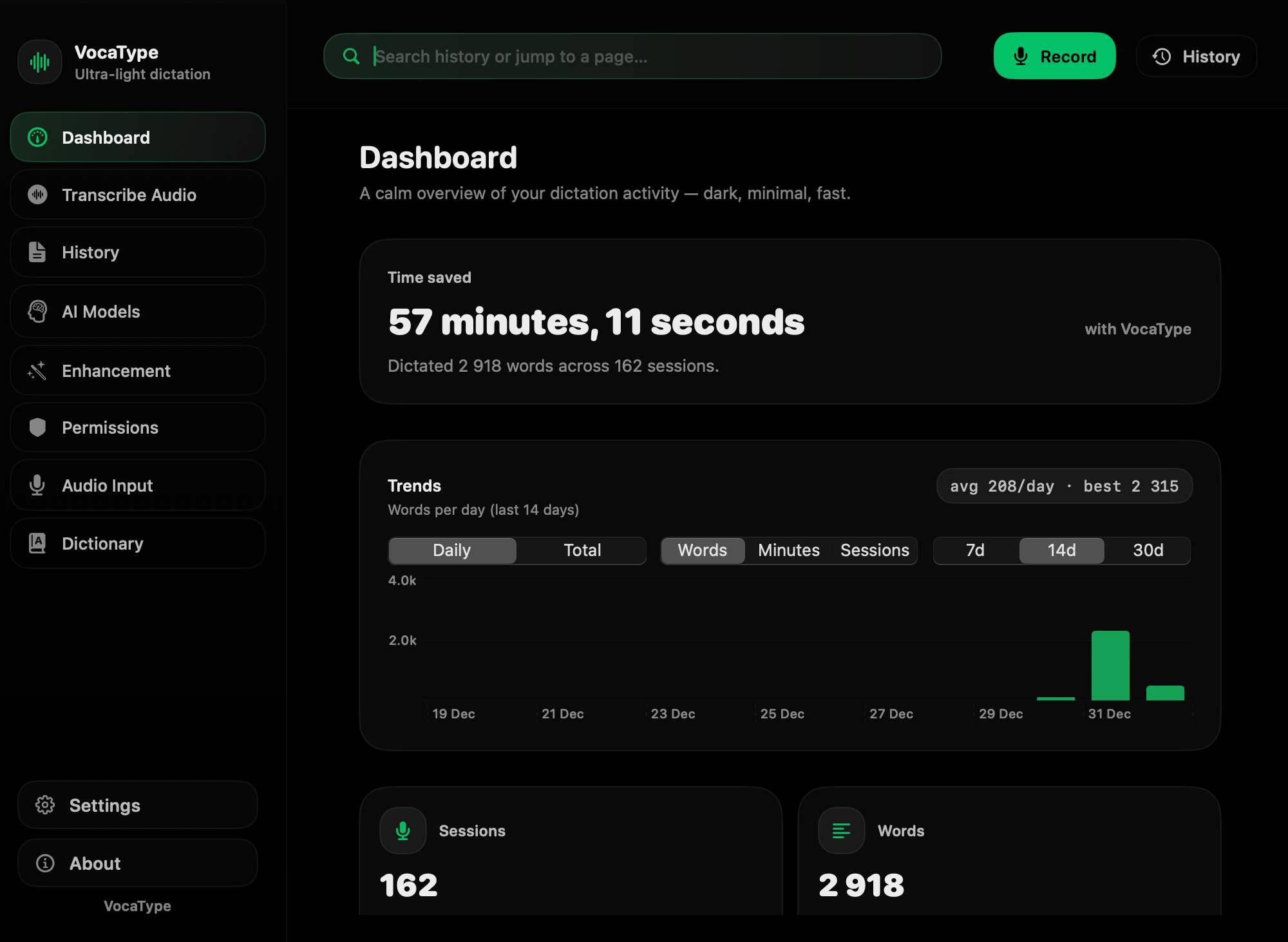
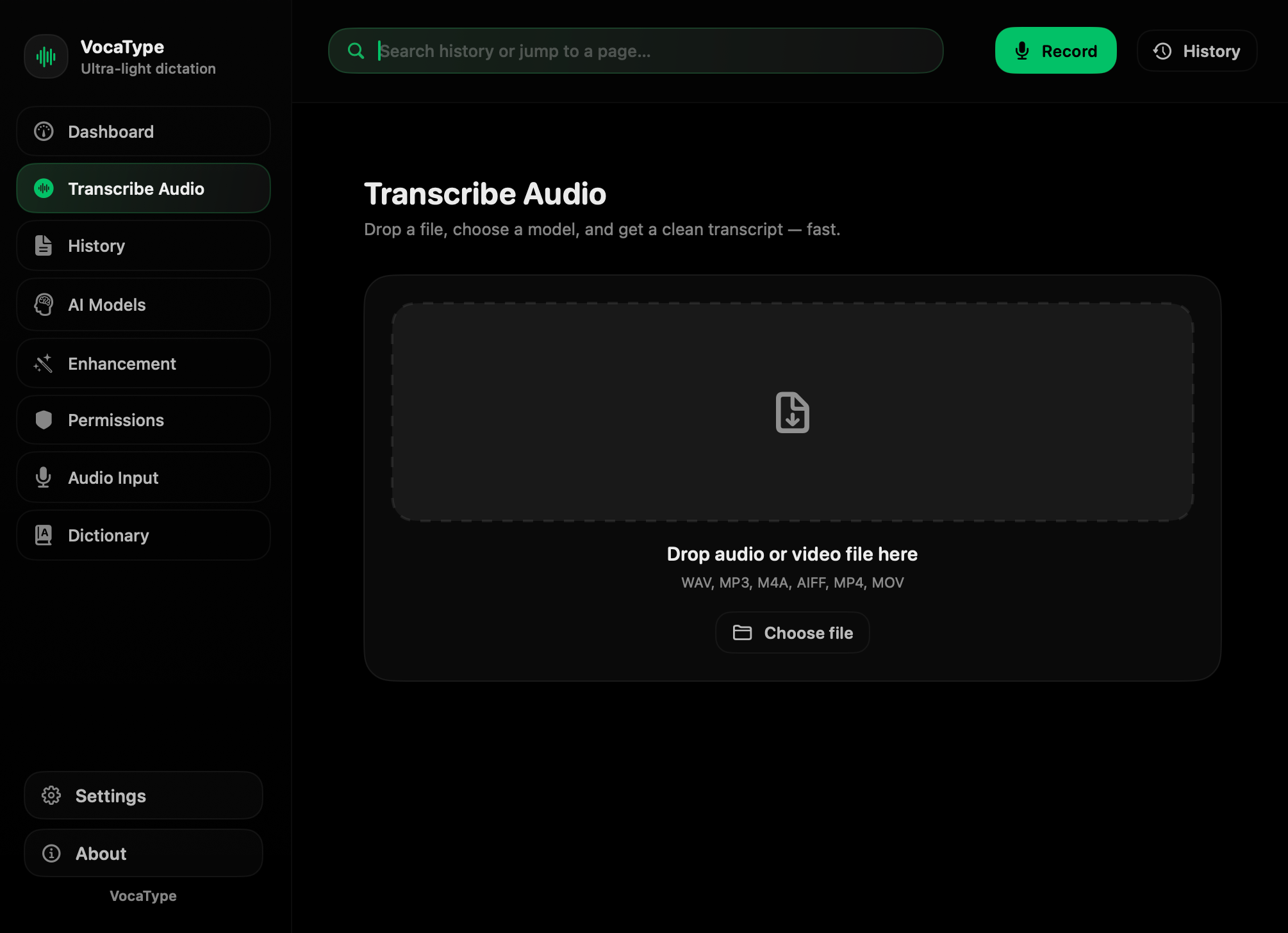
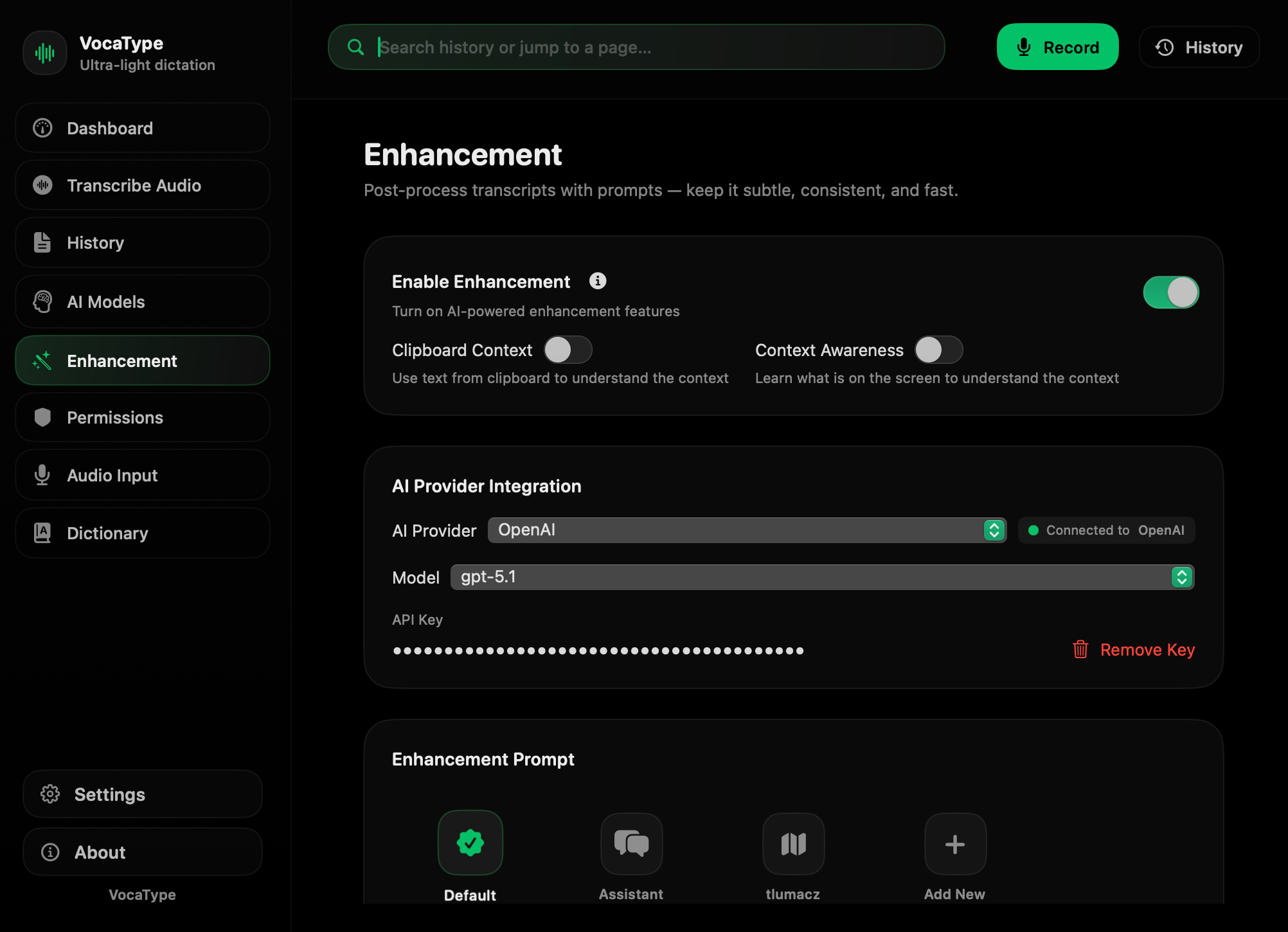
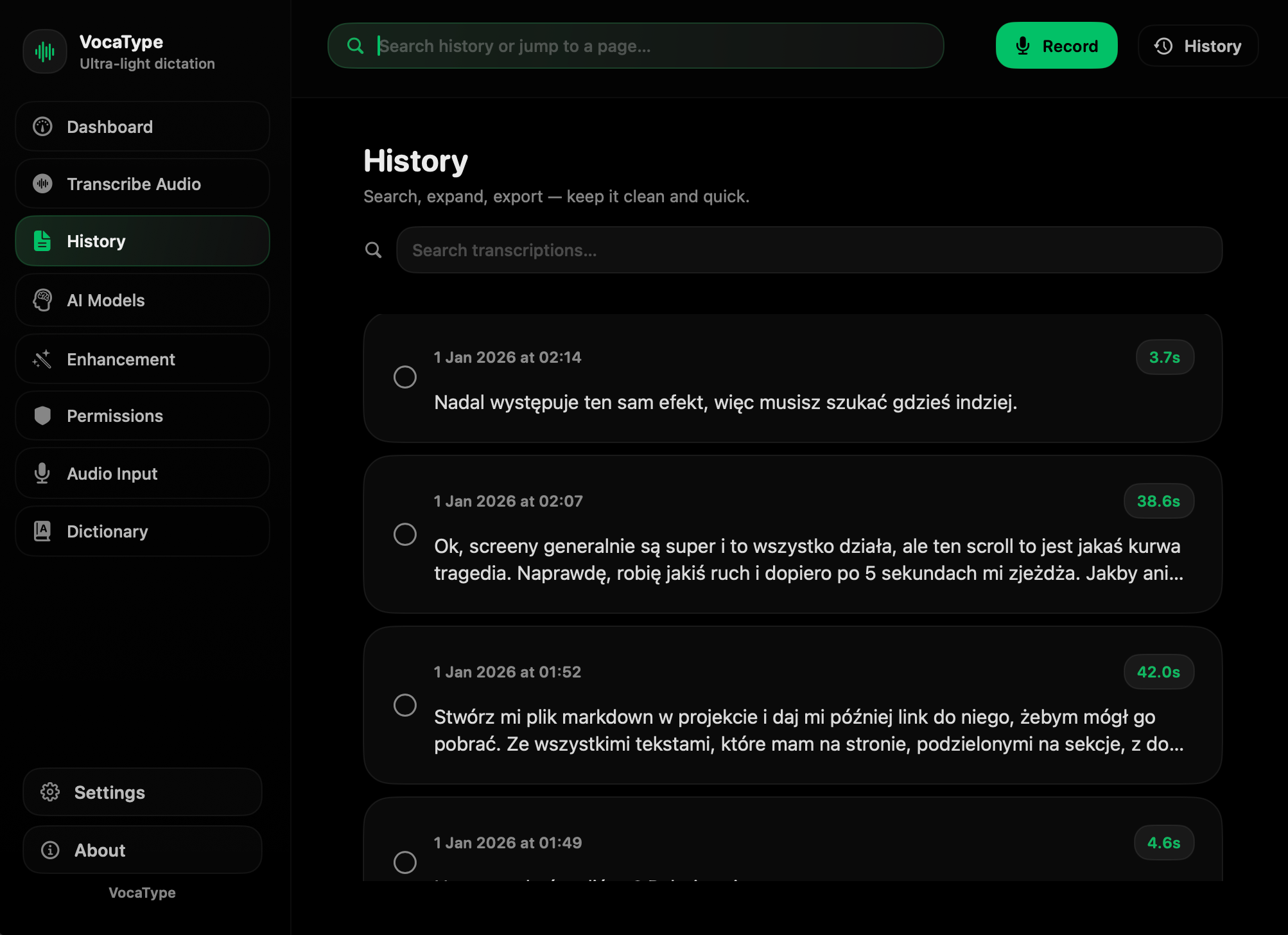
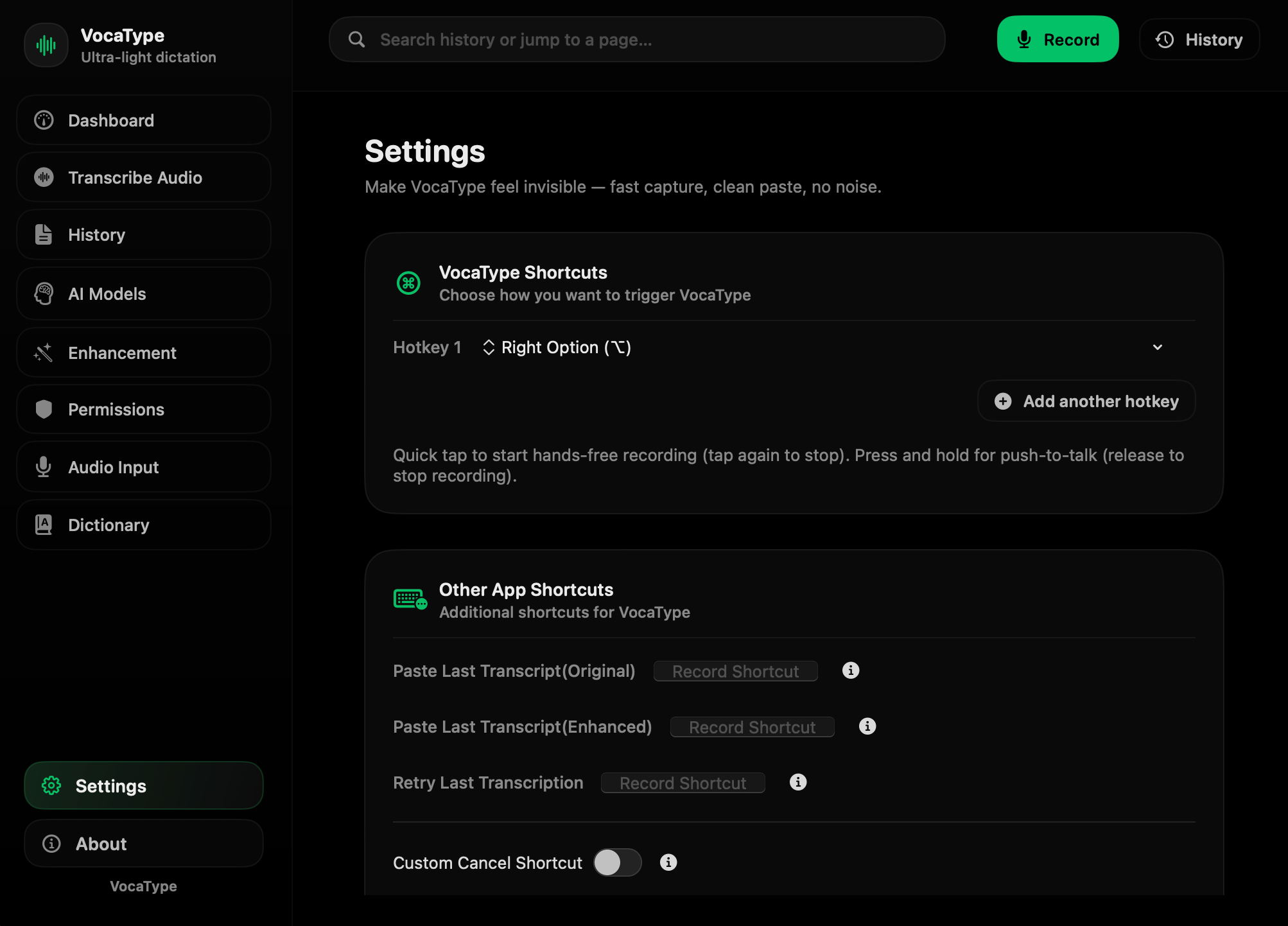
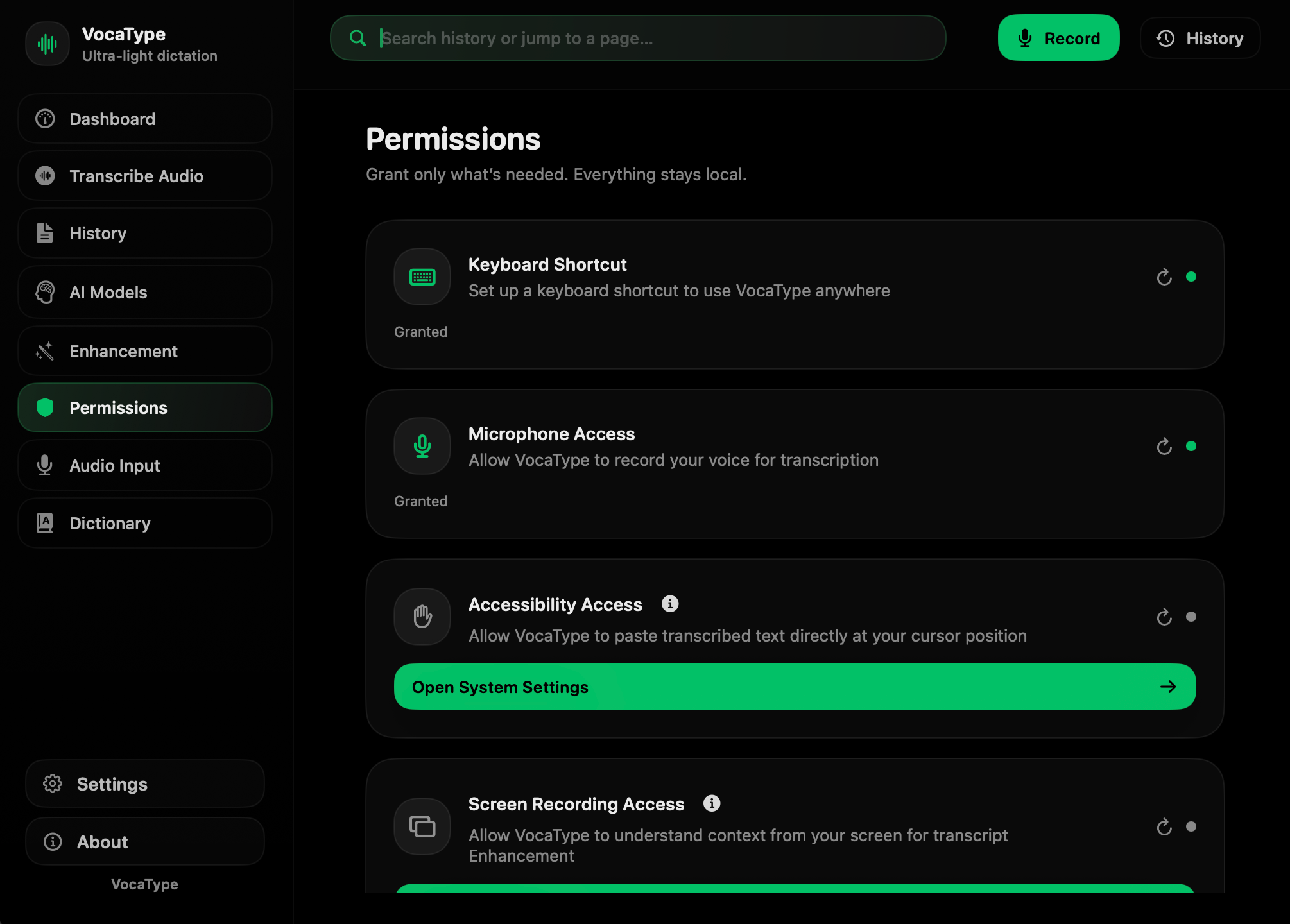
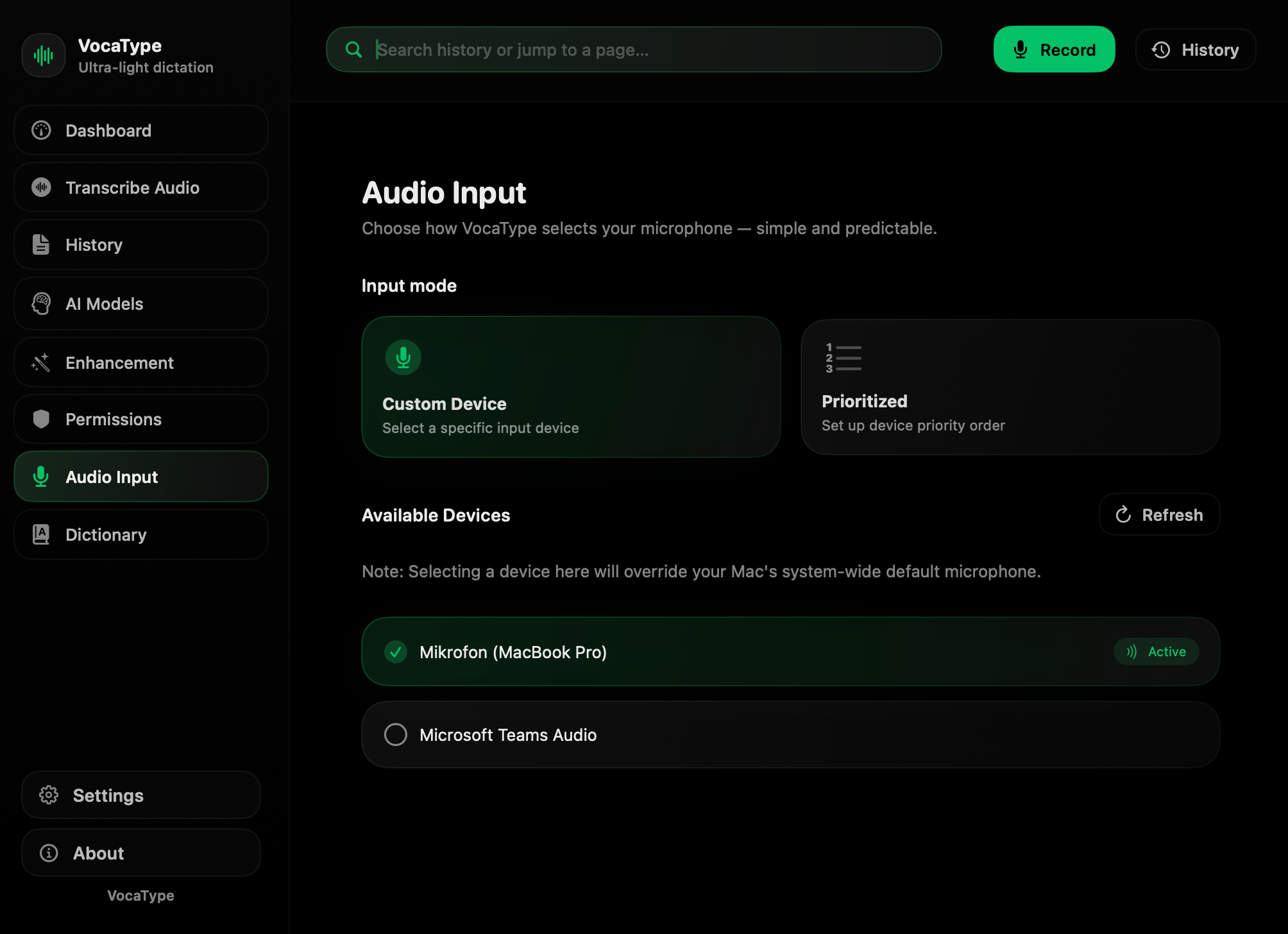
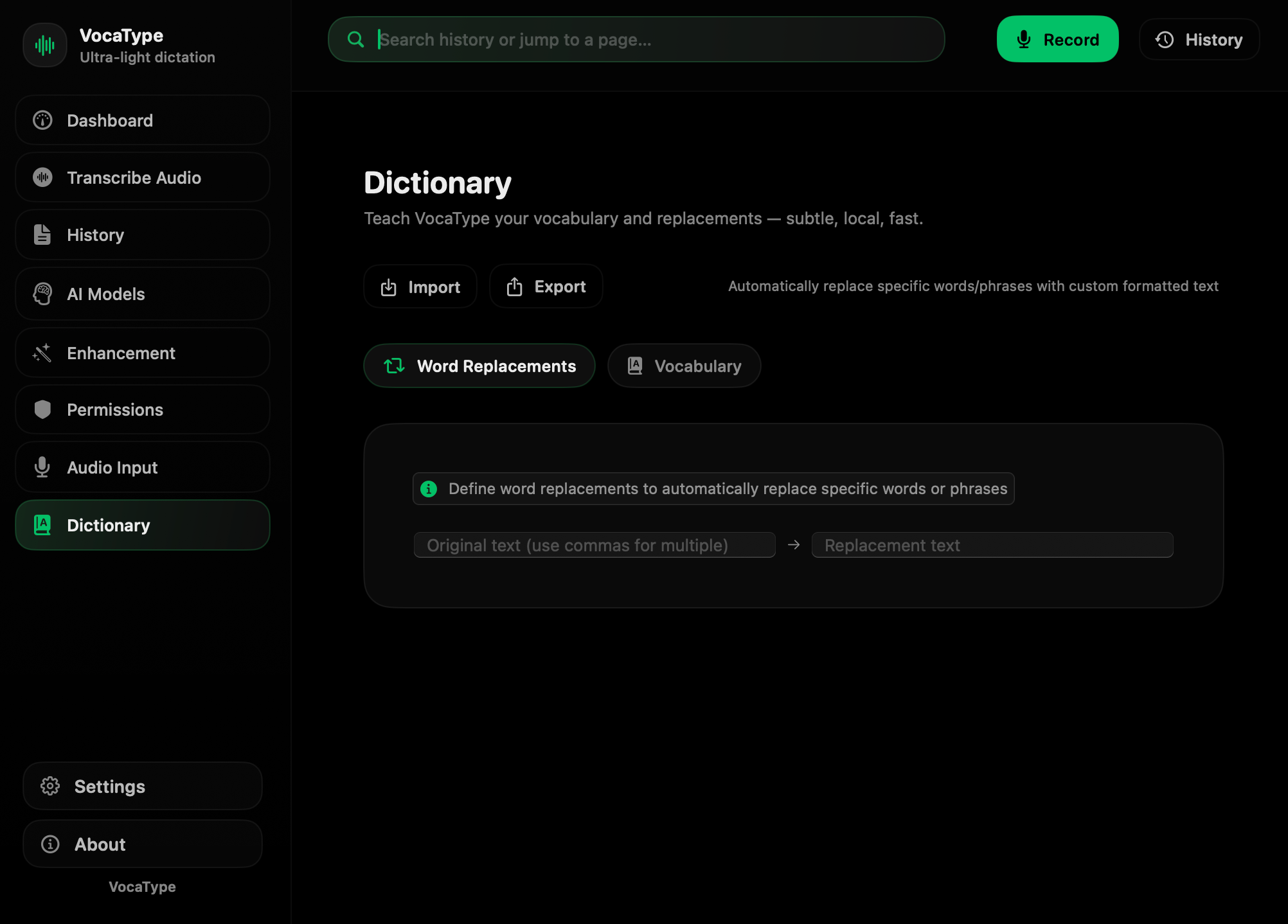
Built for speed & focus.
Quick FAQ
What is VocaType?
VocaType is an ultra-light, privacy-first dictation app for macOS with a premium turbo-dark UI. It's a UI-focused fork of VoiceInk, featuring local AI transcription, multiple recorder styles, and powerful enhancement tools.
Is this related to VoiceInk?
Yes. VocaType is a fork of the open-source VoiceInk project by Beingpax. We maintain the core functionality while focusing on UI/UX polish, design consistency, and additional features like Power Mode and enhanced analytics.
What recorder styles are available?
VocaType offers four distinct styles: Notch (MacBook Pro Dynamic Island inspired), Mini (draggable floating window), Glass (translucent overlay), and Ghost (minimal indicator). Each is designed to stay out of the way while you work.
How do I get access?
VocaType is open source! You can build it from source right now (see GitHub). We're also preparing signed releases and a waitlist for cloud sync features (coming in v2.0). Join the waitlist to get notified when those are ready.
Is it always-on listening?
No. VocaType uses push-to-talk by default — you trigger recording with a customizable hotkey. This ensures privacy and gives you complete control over when audio is captured.
Where does my audio go?
With local Whisper models, your audio never leaves your Mac. Everything is processed on-device. If you choose cloud providers (OpenAI, Gemini, Groq), audio is sent to their servers for transcription. You're always in control.
Can it auto-paste into any app?
Yes! VocaType's workflow is: speak → transcribe → auto-paste at cursor position. It works with any macOS application (requires Accessibility permissions). You can also disable auto-paste and manually copy transcriptions.
What languages are supported?
100+ languages including English (all accents), Spanish, French, German, Chinese, Japanese, Polish, and many more. Whisper supports automatic language detection, so you can switch languages seamlessly.
Is there a Windows or Linux version?
Not yet. VocaType is macOS-only (built with SwiftUI). We're planning iOS (v2.0) and a web dashboard for cross-platform access. Windows/Linux native apps are not currently on the roadmap, but the web version will work on all platforms.
How much does it cost?
VocaType is free and open source (GPL v3). You can build and use it forever at no cost. We're exploring a paid cloud sync option ($5-7/month) for v2.0, but self-hosting will always remain free.
Changelog & notes
Landing extracted + VoiceInk-first credits (no impersonation)
We shipped a minimal landing-only build, cleaned internal links, and made upstream credit explicit.
Real app screenshots + hero ping-pong video loop
Replaced placeholders with real VocaType screens and added a clean hero video loop.
AI models: Local / Cloud / Custom + multi-language workflows
Showcased model flexibility: local, cloud, custom engines and language selection.
Waitlist UX polish: proper CTA, consent checkbox, clean spacing
Made the waitlist feel like a real product form: clean button, consent, and better inputs.
Get early updates.
Builder behind VocaType.

Dawid Kawalec
Founder & Developer
For over a decade, I’ve been operating at the intersection of programming, product, and AI. VocaType is a UI/UX-focused fork of VoiceInk — my contribution is visual polish, consistency, and that turbo‑dark + green vibe you see in the app.
The core idea and foundation come from VoiceInk by Beingpax. If you love the product, please support the upstream project.